Will BlackBerry Classic Work in 2022?
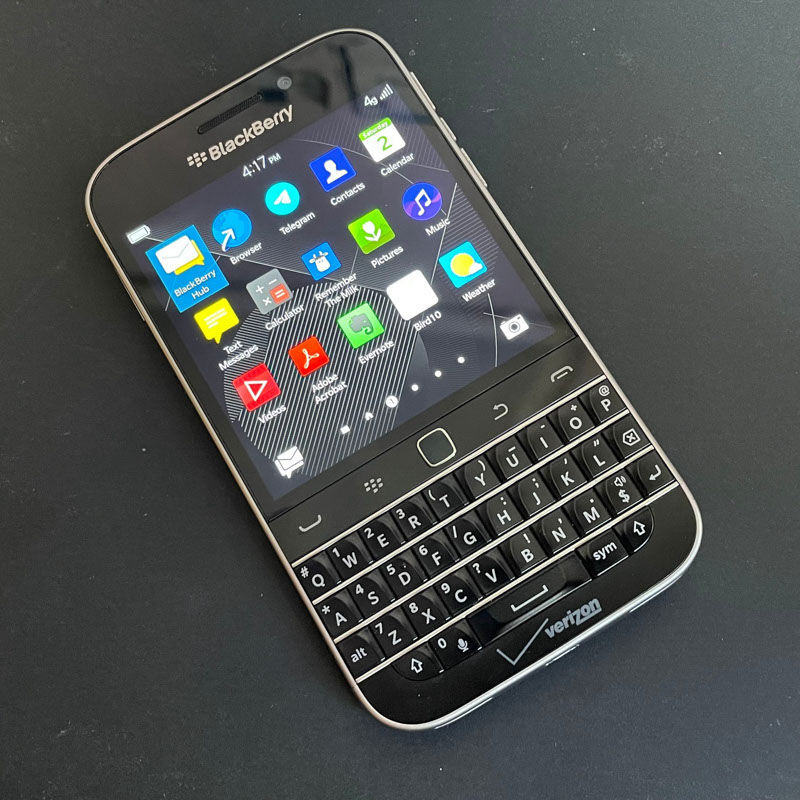
Today we are up for an entertaining challenge posed to answer a question that many die-hard fans of quirky QWERTY smartphones still have in their hearts: “Will BlackBerry Classic Work in 2022?”. Yes, in a nutshell. And trust me, it’s even better than you think.
The subject of our experiment is a BlackBerry Classic (originally BlackBerry Q20), released way back in December of 2014. And believe me, this BBy still kicks butt.
Hardware-wise, we have a dual-core 1.5 GHz Snapdragon S4 Plus and 2 GB of RAM. This is enough for many things, especially for native BB 10 apps. Yet, expect sluggish performance on modern websites and some Android apps.
Before jumping head first into our pursuit, let’s get the most important things out of the way.
Issue #1: BlackBerry End of Life
If you’ve come here, you probably already know that BlackBerry has completely shut down its servers. As the company announcement says:
“the legacy services […], will no longer be available after January 4, 2022. As of this date, devices running these legacy services and software through either carrier or Wi-Fi connections will no longer reliably function, including for data, phone calls, SMS and 9-1-1 functionality.“
I don’t know much about the situation in the United States, but it seems like A LOT of people are still using BlackBerry phones all over the world. As per my exact unit, features that are not reliant on BlackBerry ID work fine. I can make calls, send SMS, use WiFi and Bluetooth.
All BlackBerry services, including BlackBerry ID, legacy BBM, and BlackBerry World, are gone, and there’s no chance of a reboot. I am as disappointed as you are, so wipe your tears and let’s move on. Apart from obvious consequences like having to sideload apps, there are a few more caveats. Firstly, no BlackBerry Link backups. Next, BlackBerry Protect is non-existent now. But most importantly…
Issue #2: Activating BlackBerry after BlackBerry ID Shut Down
When BB 10 rolled out it didn’t feel like BlackBerry is going away anytime soon. That is why, when buying a new BlackBerry phone, you had to have a BlackBerry ID. Without finishing the setup, the phone will keep making warnings and eventually reset to factory settings.
No need to worry, though. There is a way to circumvent this by using the screen reader accessibility feature. Check out this thread on CrackBerry for details.
Issue #3: Installing Android Apps On BlackBerry OS 10
BlackBerry, knowing that pushing its own operating system in 2014 is a long lost battle, allowed users to install Android apps on BB 10 devices same as Microsoft did with Windows 10 Mobile. And they did it way better.
The Classic (along with other models running BB OS 10) has an Android 4.3 runtime on board. Without digging too deep into technical details, this means you cannot run any Android app that requires Android 4.4+. This means you are stuck using outdated versions. Yet, there are a lot of good apps that still work.
A Note on Google Services
Do Google Services work on the BlackBerry Classic? Yes. Would I recommend installing them? No. Why? First of all, screw Google. Secondly, and most importantly, Google Services take up a lot of resources by running in the background, thus limiting the available performance capacity and draining the battery.
So no official Play Market, Drive, Meets, and Chrome for you. But you’re not tinkering with a BlackBerry phone just to use Google Chrome, are you?
The good news is that there are some third-party apps for Google Drive and other services. For example, a handy little app called Hg10 allows you to access Google Chat and Drive.
What to expect
The BlackBerry was never designed to be an entertainment device. It’s a tool for communicating and getting things done on the go. Approaching it with these expectations in mind will not leave you disappointed. Most of the time.
First things first, Classic is as brilliant at handling emails as it was on the day it hit the shelves. As soon as you recall your muscle memory of using the keyboard (or build a new one), typing becomes a breeze. Saying that typing on a BlackBerry is pleasant is such a cliché, but for a good reason. If you think I’m wrong, try using this thing for a week and then get back to on-screen keyboards.
When it comes to more contemporary means of communication, embrace yourself for the challenge. Major messengers, such as Telegram and WhatsApp, still work – get the latest APK from the official website and you’re good. They are a bit sluggish, but not unusable. Signal should work too, as long as you find an older version. The mantra “find an older version and pray it works” generally applies to any app.
If APKs don’t quench your app thirst, don’t shy away from digging into CrackBerry threads. Some of them have been updated as recently as today. I suggest starting here. Also, there’s a handy table with some native apps.
UPDATE NOV 4 2022: Amazing people from BlackBerry community made an app store with some apps and games for BlackBerry devices.
With these sources in your tool belt, you are equipped pretty much for any situation that revolves around communicating and getting things done. You can also squeeze some entertainment into your busy schedule with emulators like RetroArch and even some native games. Alas, my Slack lovers, there is no working Slack app. At least I couldn’t find one.
With these sources in your tool belt, you are equipped pretty much for any situation that revolves around communicating and getting things done. You can also squeeze some entertainment into your busy schedule with emulators like RetroArch and even some native games. Alas, my Slack lovers, there is no working Slack app. At least I couldn’t find one.
At the end of the day, I’ve tested the following apps:
- Telegram. You can go to the official website and grab the latest version. It will work. If you want, there’s Telegram X, which is lighter and may work better.
- WhatsApp. Same here. Go to the official website. Grab the latest APK. Enjoy.
- Remember The Milk. No issues whatsoever, plus its nostalgic UI and design fits a phone from 2014 perfectly.
- Evernote. Its developers are good people who know how to make APIs that can be sustained for a long time. That’s why even pretty old versions work fine without any hiccups. Plus, you get exclusive access to discounted features (Evernote Context, my beloved….)
- Bird10. Since there’s no official Twitter app you can get on a phone this old, Bird10 is the only option I could find. Still works well, though.
- Adobe Acrobat. I’ve had an older native version preinstalled and it works. You can install the newer one from an APK and it will work too. Sadly, it’s impossible to sign in.
- Spotify. Yes, it works. Just make sure to get an older version. Again, it’s possible due to Spotify developers who don’t make breaking changes to their APIs, thus allowing enthusiasts like us to enjoy their service on any device. Unlike some (I’m looking at you, Slack).
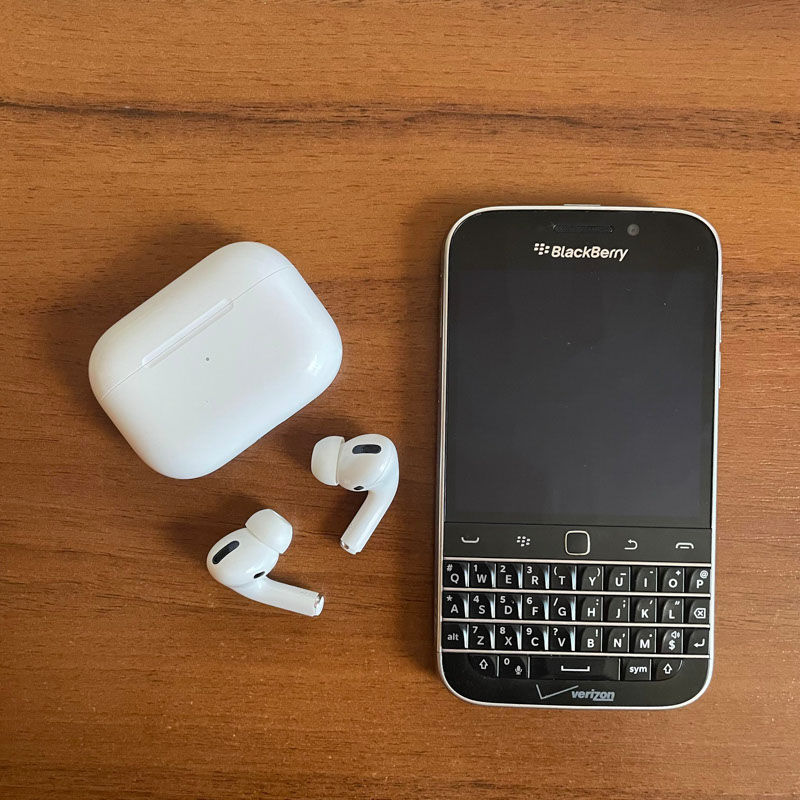
- Authy. It will scream at you because you don’t have Google Services (why would TOTP app need them anyway?) every time you open the app. Yet, I was able to sign into my services with codes it generated. Storing passwords and using BlackBerry like a digital wallet for authentication and related things is actually a good reason to use it in daily life.
- Basket. An alternative Dropbox client. It works fine; you just need to obtain the authentication key using a modern smartphone or desktop browser and paste it into the app. It doesn’t seem to work with 2FA, though.
- BBTube. Native YouTube client. There is no authentication; channels must be manually imported; and the user interface is, to put it mildly, dated. If you’re so desperate that you want to watch YouTube on a BlackBerry, it will get the job done. And guess what? It plays in the background. Yay, no need to give Google your money!
- WordPress. A native WordPress app. On a BlackBerry. What else do you need?
- Hg10. A client for Google Drive and Google Chat (or whatever they call the chat thingy now). It can even open Google Docs. No editing, though. But if you work with Microsoft Office files, you can download and edit them.
- RetroArch. Just so you can flex at your friends by playing DOOM on a BlackBerry.
- Reddit In Motion. A native Reddit client so you can waste your time even on a business-oriented device.
- Magic Earth. It’s the only adequate map app I could personally find. It works painfully slowly, but at least you won’t get lost… I guess.
- BGShellPlus. A surprisingly useful terminal app. You won’t do much on the phone itself, but when connecting to a remote server over SSH… Possibilities are endless. Mr. Robot called and asked if you could lend him your BlackBerry.
This is what we have so far. I hope this post ignited a nostalgic spark in your heart. Even if you won’t make BlackBerry your daily driver, you might pull it out of the drawer and enjoy some time with a legend.